Security Robot Night Patrol: Lighting, Sensors and Verification Limits
Test visible, near-IR and thermal feeds at night and give guards a checkpoint scorecard for deciding when to verify, recheck or escalate.
Define what the guard must verify after dark
A security robot earns a place in a night patrol plan when Site Security can explain which decisions its evidence supports at each checkpoint. A thermal alert may establish that something moved near a door. The assigned guard may need to establish whether a person crossed the threshold, whether they entered during an authorized work period, or whether the site response procedure should begin. Give each checkpoint a question, score the actual feed against it, and define the independent check for conditions where the camera cannot answer it.
Start with a map and an operating window. Mark the area that must be visible, the robot’s stationary read point and any fixed views available to the control room. Define what evidence is needed and what might routinely interrupt it, such as reversing forklifts or contractors walking between shifts. The ProtectUK CCTV guidance links lighting and surveillance to the asset and task. Use that principle to define what the guard must see before purchasing a sensor or changing the route.
Assign a job to each observation channel
Visible light can show a door position, a direction of travel, a sign or clothing color when the scene provides enough useful light on the subject. With a bright lamp or headlights behind someone, a clear image of the area can still contain an unreadable figure. A glossy wall or reflective garment can dominate the camera exposure. Evaluate the recording from the actual operator console and the viewpoint that will be used after dark.
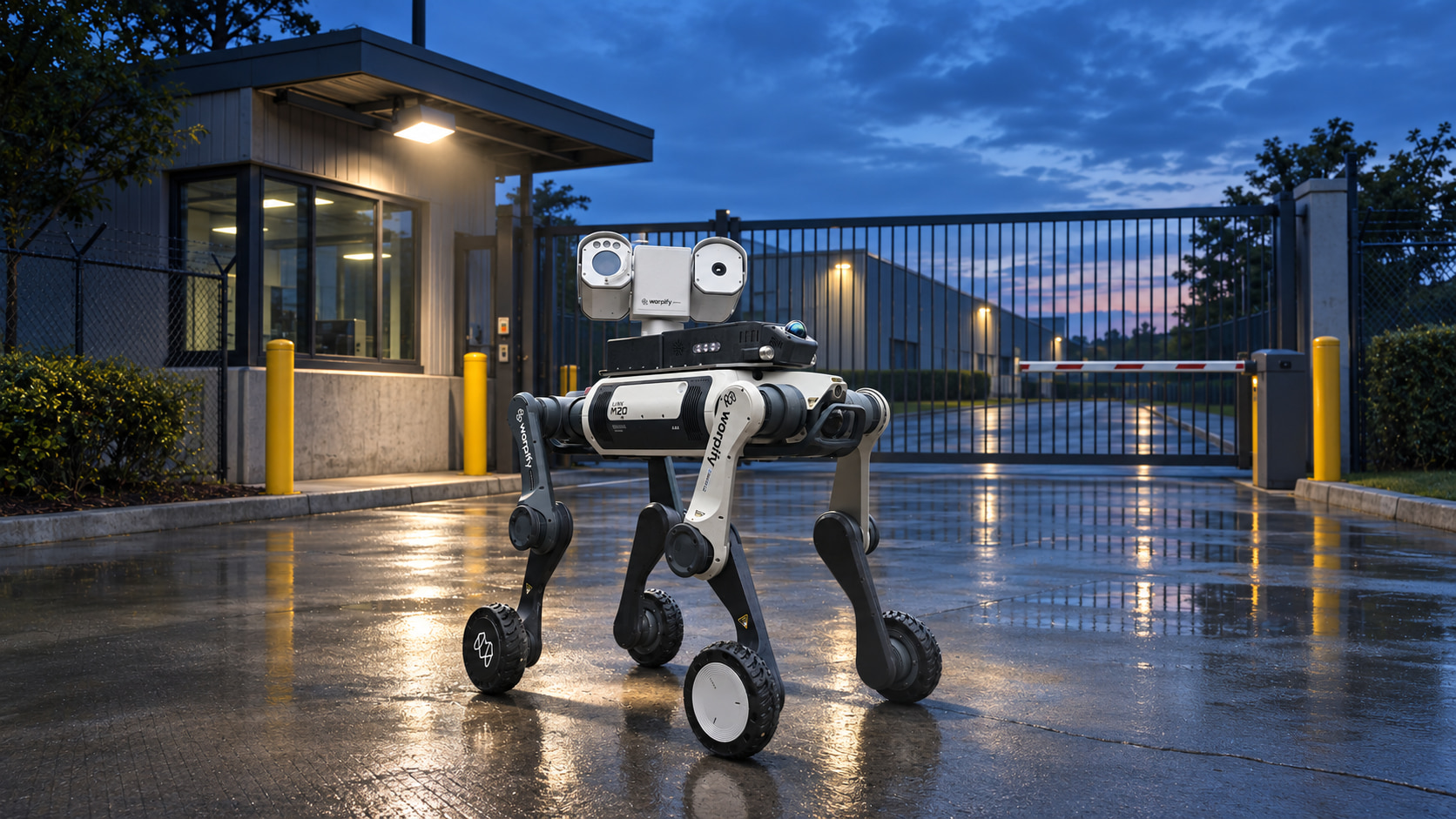
Active near-infrared on a compatible day/night camera uses reflected illumination. It can recover detail without obvious white light, but normally shows a monochrome view. Test near walls, fences and other surfaces that can reflect the illuminator. If the guard needs color, plan a usable visible view. Axis explains reflected IR and its role in day/night cameras.
Thermal imaging detects differences in infrared radiation and can make a person easier to notice without visible illumination. Whether the shape is usable depends on the scene, contrast, distance, view and obstruction. Occlusion by a pallet or closed door still removes a line of sight. Thermal imagery can direct attention to an approach, while the guard uses a second view or another authorized record for the decision that requires detail. Axis describes the use of thermal and visible views together.
If the feed will be reviewed from a mobile device during handover, include that view in the test. The console’s full-size live feed and a compressed clip may carry different usable detail. Record which one supports the decision and how the guard retrieves it after an alert.
Score a checkpoint from the guard console
Run a controlled exercise using an authorized participant and a known event. Brief the exercise coordinator and the responding team before the run. At each stop, record the question, robot viewpoint, channel mode, target location, lighting condition and timestamp. The lead can then tell whether a change in evidence came from lighting, conditions or a different view.

- Define a known event and a normal pass. Include the expected target crossing, a no-person pass and a routine benign activity with similar motion. Compare the live clip and the stored clip the next shift will be able to retrieve.
- Vary the conditions that matter. Repeat in daylight and in the normal after-dark setup. Try the far edge of the observation zone, a permitted backlit condition and a partial obstruction. At an active dock a parked vehicle may leave only a narrow view of the door.
- Score each channel for the assigned question. Record “no usable view” for a blind or unusable feed, “presence cue” where a target can be seen but the event cannot be established, or “sufficient evidence” where the feed answers the question as written. Include the reason for a downgraded score and log any disagreement between the exercise outcome and the guard’s conclusion.
- Test the next move. Ask the guard to bring up the alternate camera or confirm the site record using the approved process. Record whether the event was verified, remained unresolved or required an assigned response. Check that a stale timestamp, unavailable clip or network outage appears as unavailable coverage in the shift record.
- Accept only the tested conditions. Security signs off the decisions each checkpoint can support, when a second view is required, and which team covers the gaps. Recheck after changes in lighting, camera placement or normal traffic.
The Wuhan gas plant Zone 03 exercise provides a documented example of a person cue reaching Site Security. It supplies a workflow to discuss with the control room. The repeated test at your own site determines which outcomes staff can verify there.
Work through an unclear loading-door alert
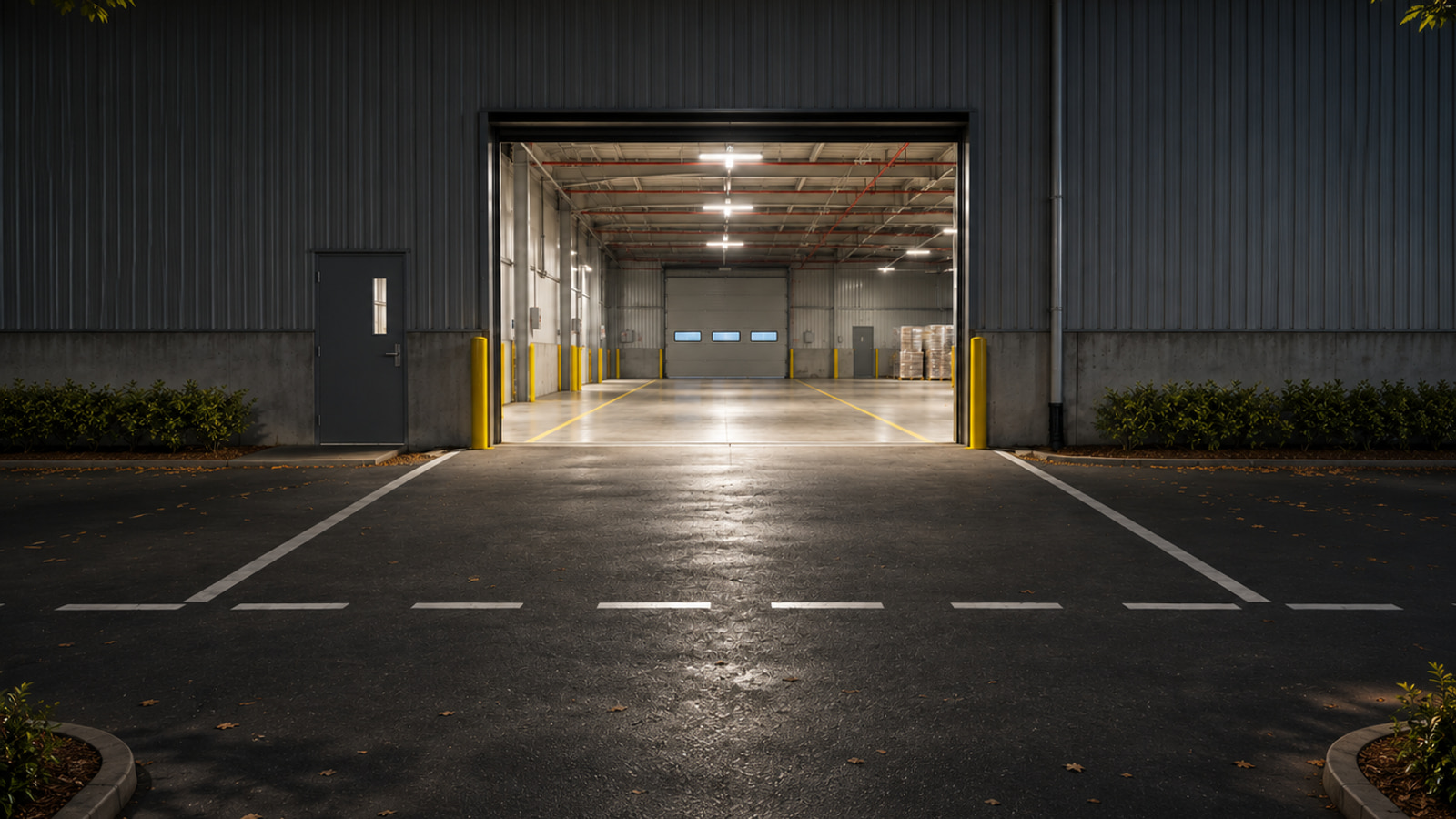
Suppose a contractor is expected to approach a loading bay after hours. The checkpoint asks whether someone crossed the restricted door. Thermal shows a person at the approach, but the door threshold is partly hidden behind a parked trailer. In the visible clip, the doorway is bright and the crossing remains ambiguous. The guard marks presence as supported and the crossing as unresolved. The fixed camera on the other side of the door can settle the crossing. If the person’s authorization also matters, the guard checks the site record or follows the approved verification procedure.
Now repeat the exercise with that fixed camera unavailable. The checkpoint still supplies a presence cue. Site Security records the lost verification path and determines whether a staffed check or a revised viewpoint is needed for the remaining shift. The exercise also gives Facilities a specific lighting task to solve, such as improving visibility at the actual threshold, with a retest from the same location.
Define the coverage before scaling
Keep the checkpoint scores, degraded coverage rules and fallback assignments in the patrol plan. Use the site’s access and retention rules when storing exercise clips. The security patrol robot solution covers how observation feeds and human review fit a wider deployment. Bring a lit checkpoint, a dark checkpoint and one mixed-light transition when you request a night patrol assessment.

Iven Wang
Iven Wang is the Co-Founder of Warpify Robotics, specializing in the commercialization and deployment of robotic solutions. With a background in electrical engineering and product management, he works with manufacturers, integrators, and enterprise clients across industrial inspection, security, logistics, and Robotics-as-a-Service.
Subscribe to our newsletter today
Get practical robotics deployment insights, case studies, and planning guidance from Warpify Robotics.