Switchgear Robot Rounds: When to Accept a Gas Density Indicator Reading
Use a read-point checklist to decide when to log a switchgear indicator, retake the image, or ask Electrical Operations to verify it.
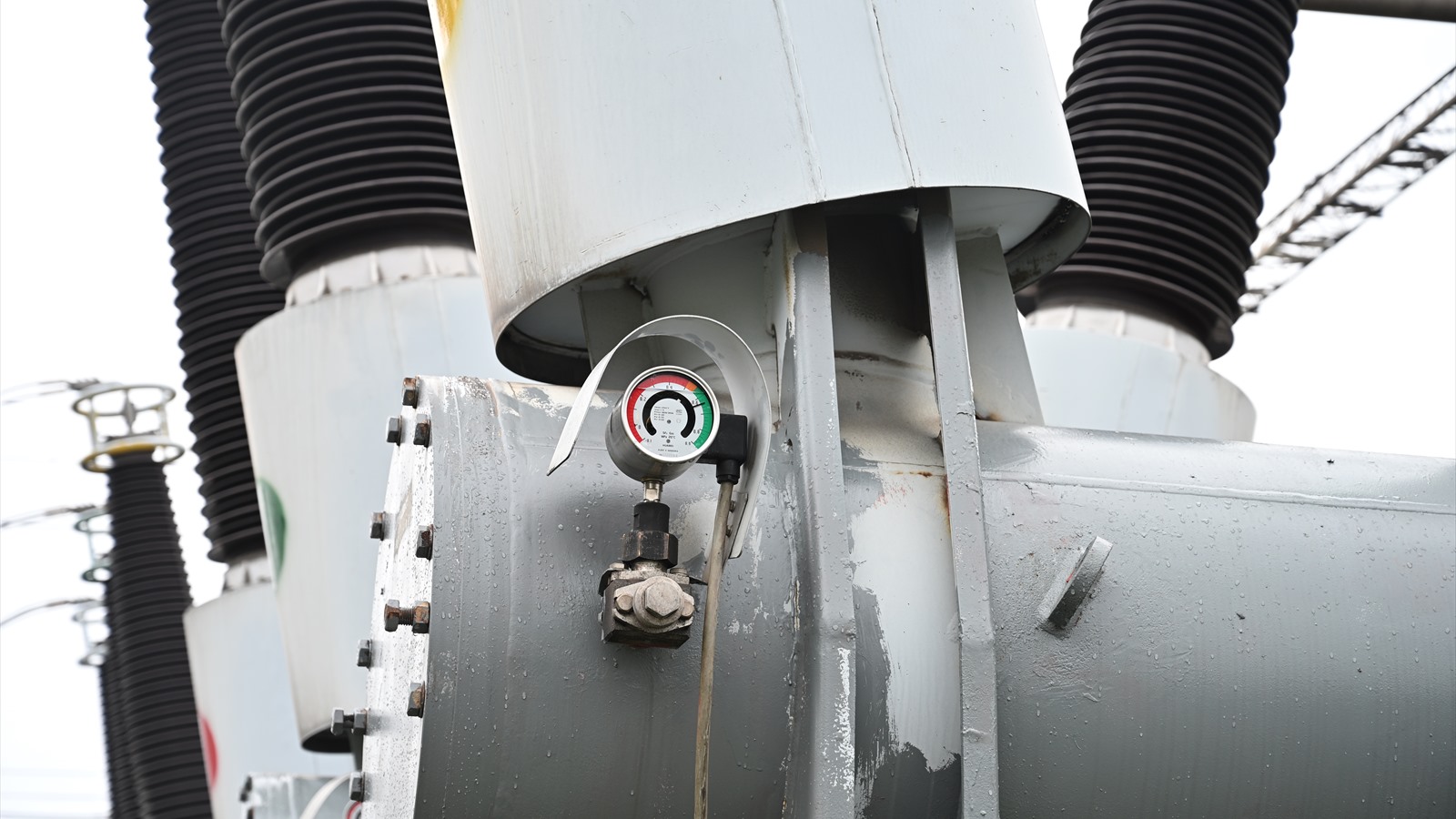
A switchgear inspection robot can record a local gas density indication when a reviewer can identify the bay and compartment, read the correct scale or status label, and confirm when the image was taken. If any of those checks fail, keep the original frame and record why the indication could not be accepted. A verified image records what the instrument showed at that moment. Electrical Operations still owns the interpretation of alarms, discrepancies and equipment condition.
Identify what the camera is reading
A local dial, a mechanical flag and a remote alarm point answer different questions. Before adding one to a route, check its equipment record and the manufacturer’s instructions. The WIKA GDM-RC-100 data sheet, for example, describes a local display and temperature-compensated switching. The Trafag 87x7 documentation shows a configuration with an optional local display that expresses the condition as pressure referenced to 20 °C alongside separate alarm contacts. Record the unit and reference basis stated for the installed device. A pressure number from an unverified scale may describe a different quantity or condition from the one the inspection record expects.
For a flag or position window, log the device-specific label and observed state rather than inferring meaning from color alone. For a dual-scale dial, agree which scale the reviewer will use and make sure the frame shows its units. Where a remote point exists, record its tag separately. Keep a local switchgear indication distinct from an ambient gas detector reading, which answers a different inspection question.
Make every read point traceable
Use an approved wide view to establish equipment identity and a close view to read the indicator. Capture both at the same stop, tie them to the same route event, and keep the original evidence. If the tag sits outside the close crop, retain the wider image or another approved asset reference. Neighboring bays can look alike even when every character on a dial is sharp.
- Asset: Record the route point, bay, gas compartment and instrument tag. Keep the original image or approved reference that links them.
- Observation: Specify a numeric reading, visible state or label. For a numeric reading, retain the scale, unit and applicable reference basis.
- Capture: Record the time and time zone, approved observation position, and original image reference. Flag conditions such as glare or an obstruction when they affect the reading.
- Review: Keep the accepted value or state, the reason for any rejection, and the person or duty role responsible for the next action. Retain the remote tag and time if a comparison is part of the approved task.
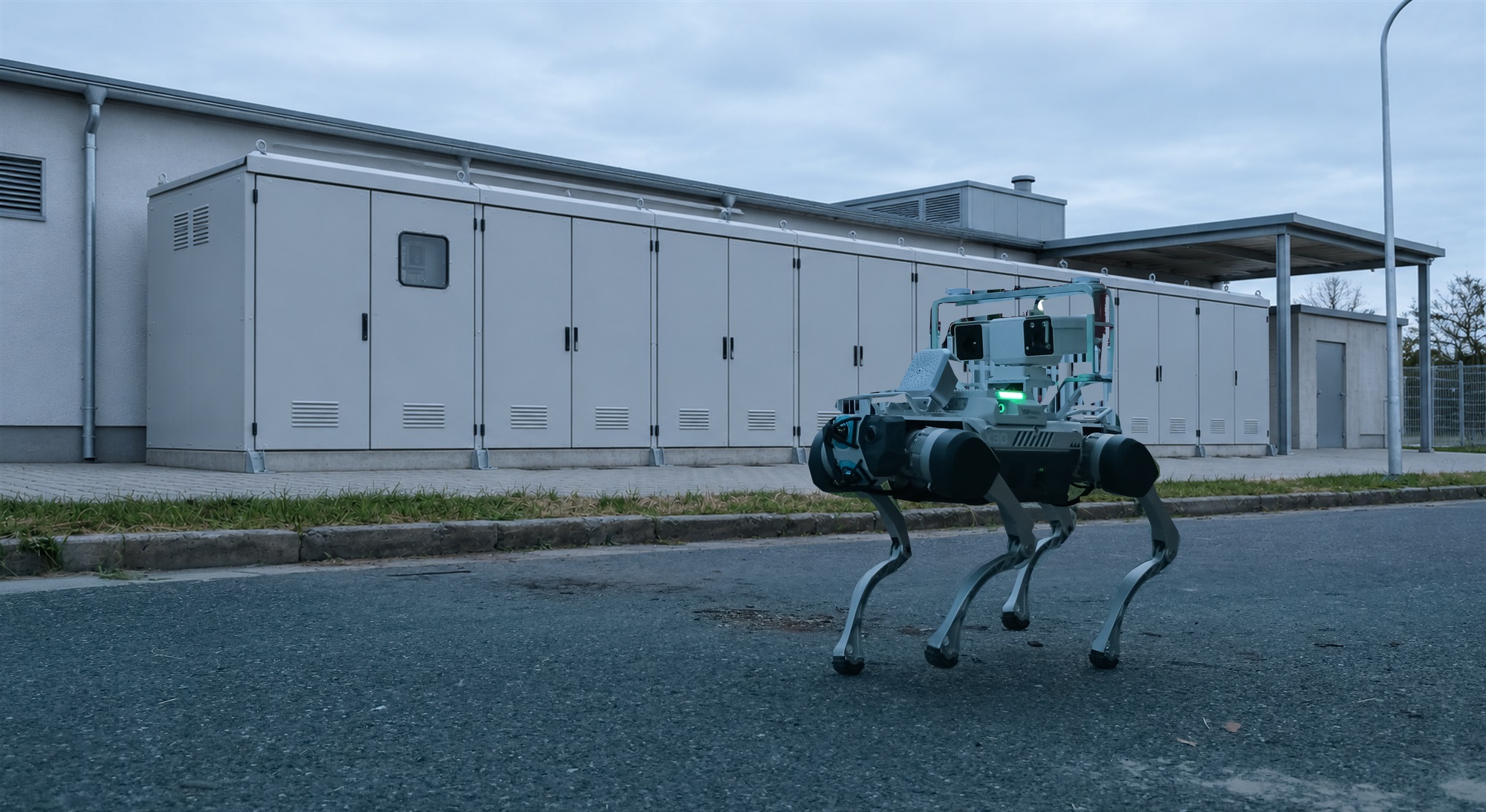
Robot gauge reading and OCR can help extract the visible indication. Keep that output alongside the source frame and asset record so a reviewer can check what the software read and which device it belongs to.
Decide whether to log, retake or escalate
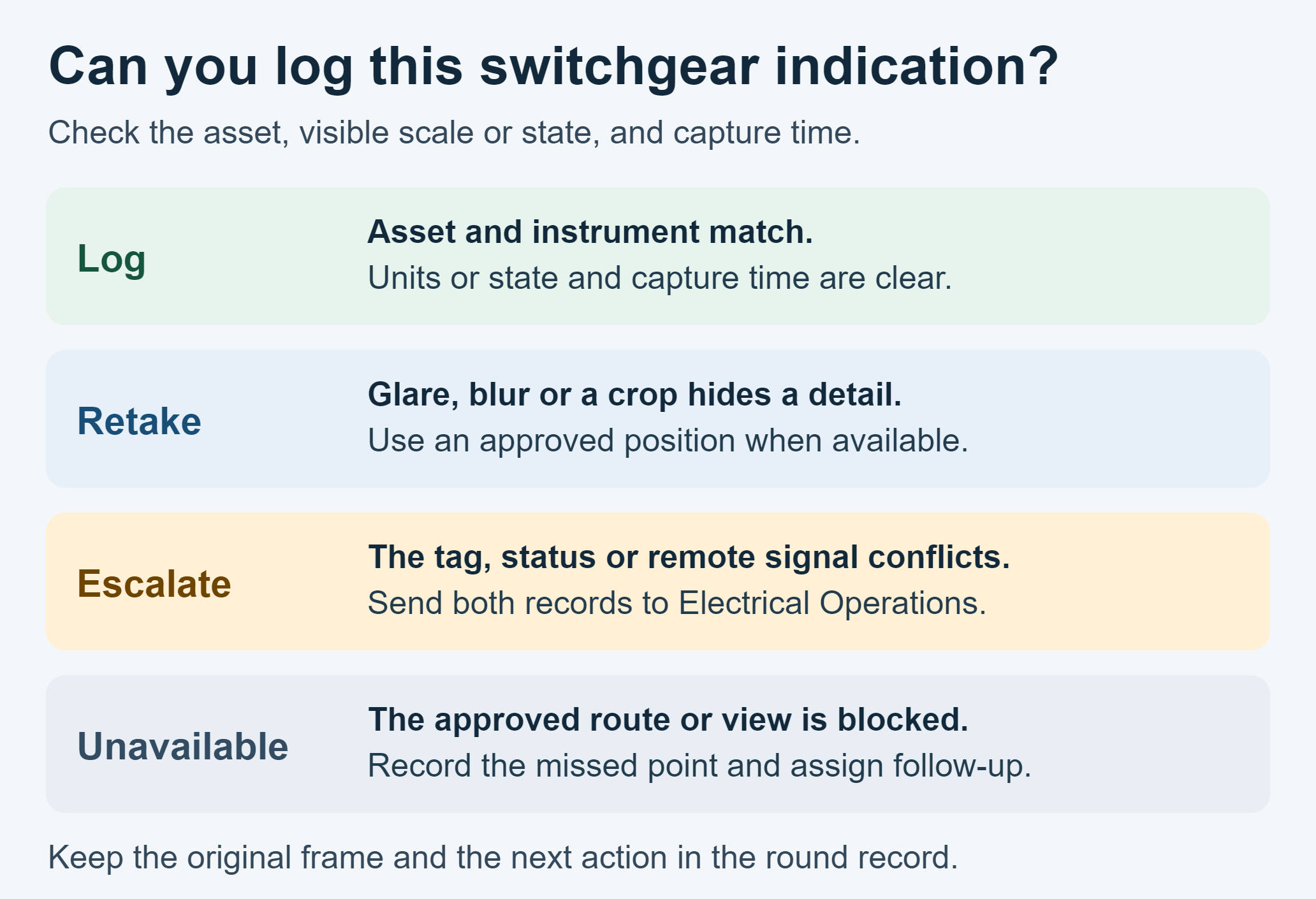
- Log the observation The approved point matches the intended asset and instrument. The correct units or state label are visible and the timestamp fits the inspection window. Save the observation and source frame under the agreed review procedure.
- Request a retake Glare, blur or an obstructed edge hides a tag, pointer, unit or label. Repeat from an approved position when the route rules allow it. Leave the value empty until there is usable evidence.
- Escalate to Electrical Operations The device cannot be matched to the expected compartment, the display appears to show a defined exception, or an apparently comparable remote signal disagrees. Send the original frame, asset record, timestamps and exact discrepancy. Follow the site’s existing escalation path for any active alarm.
- Mark the point unavailable The authorized route is blocked or a readable view cannot be obtained from an approved position. Keep the missed point in the round and assign follow-up through the site procedure.
Worked example: the picture and SCADA seem to disagree
A close frame shows a pointer inside the normal band, while the supervisory control and data acquisition system (SCADA) shows an exception for what appears to be the same bay. The wide frame identifies the cabinet but leaves the gas compartment tag unclear. Preserve both records and flag the compartment as unresolved. Ask Electrical Operations to confirm tag mapping, timestamps and whether the remote point reports a current reading, an alarm contact or a retained event. Keep the existing alarm response in effect while the discrepancy is investigated. A second frame may clarify the view. The electrical team decides whether the two observations are comparable and whether a separate check is required.
A single image also tells you little about the cause of a change. The Hitachi Energy modular switchgear monitoring manual describes how temperature gradients can affect compensated readings and why its system evaluates persistence. Treat a photographed change as an observation to review through the site procedure.
The 220 kV switchyard field capture shows what a service-lane viewpoint and equipment imagery can give a reviewer. Use that example to plan where an image might be collected and how it can be attached to the route. Qualify gas density read points separately on the instruments your team wants to monitor.
Test the rejected readings before expanding the route
Start with a small, authorized set of points representing the installed display types and expected viewing conditions. Have Electrical Operations establish the reference for each point without using the robot output as its own ground truth. Include a readable frame, a frame with glare or a hidden scale, and an image of a neighboring instrument. If a remote comparison is in scope, test a stale or intentionally mismatched record using approved test material. Agree who reviews each case and how missed observations are logged.
The authors of a substation robot pilot published by CIGRE report that lighting, view angle and unfamiliar equipment affected reading quality. Their warning-level exercise used a disconnected test gauge. Assess the robot’s ability to collect reviewable observations separately from any test of the site’s alarm chain. Track correctly attributed readings, rejects and unavailable points separately from completed rounds.
Bring the instrument list, sample frames and proposed review roles to your substation inspection readiness review. To scope an industrial inspection robot workflow around those checkpoints, plan a facility inspection.

Iven Wang
Iven Wang is the Co-Founder of Warpify Robotics, specializing in the commercialization and deployment of robotic solutions. With a background in electrical engineering and product management, he works with manufacturers, integrators, and enterprise clients across industrial inspection, security, logistics, and Robotics-as-a-Service.
Subscribe to our newsletter today
Get practical robotics deployment insights, case studies, and planning guidance from Warpify Robotics.