Transformer Radiator Bank Thermography: How to Compare Robot Captures
Compare repeat thermal scans of the same transformer radiator bank using a capture card, operating-state checks and clear recapture rules.

Start a transformer radiator bank thermal inspection by defining which surface to compare and under what operating conditions. A robot can return to the same camera position, but repeatable position alone leaves several variables unresolved. A different fan stage, viewing angle, surface condition or recent load change can make the same bank look different. Store the thermal capture with a visible image, the measurement region and the conditions needed to judge whether it belongs in the trend.
Define the comparison before collecting it
A useful question is whether one defined face of a cooling bank shows a persistent difference from its own baseline, or whether two comparable banks show a different pattern during the same operating state. Those are different comparisons. A peer bank is useful only if the asset team confirms that the two banks are expected to behave similarly. A cooler section can merit follow-up. The U.S. Bureau of Reclamation describes cooler radiator sections as one potential sign of restricted flow in its transformer maintenance guide. An image alone leaves other explanations open, including differences in cooling stage or surface conditions. Bureau of Reclamation transformer maintenance guide
Select a visible feature a reviewer can find again, such as a particular painted fin area or manifold face. Save the paired visible view and draw the measurement region on the thermal frame. Keep the region inside the chosen surface so that changing background pixels do not move the reported maximum. If the intended answer is about the coating or a shiny fitting, record that as a separate region with its own measurement settings. FLIR’s thermography documentation explains why focus, distance, emissivity and reflected apparent temperature matter to the reading. FLIR thermography reference
Use one capture card per comparison
- Asset and view. Transformer, bank, side, approved stop and a paired visible frame with recognizable landmarks.
- Measurement region. A saved region on the same material and face, with the statistic selected in advance. Keep the original radiometric file when available.
- Operating state. Timestamp, load and recent change, cooling stage and fan or pump status where available. Flag missing context.
- Conditions and settings. Ambient conditions, sun or rain, surface condition, angle, distance, focus, emissivity, reflected apparent temperature and camera/profile revision.
- Review decision. Compare, retain as context, or recapture from an approved stop. Record why and assign a reviewer.
Use one display scale when comparing patterns visually. Review the saved radiometric values separately. An automatically rescaled palette can make two similar measurements look quite different. Conversely, an appealing palette cannot recover details absent from an out-of-focus image. FLIR thermography reference
A worked review with three possible outcomes
Consider three example returns to the same radiator bank. No operational temperatures are assumed here.
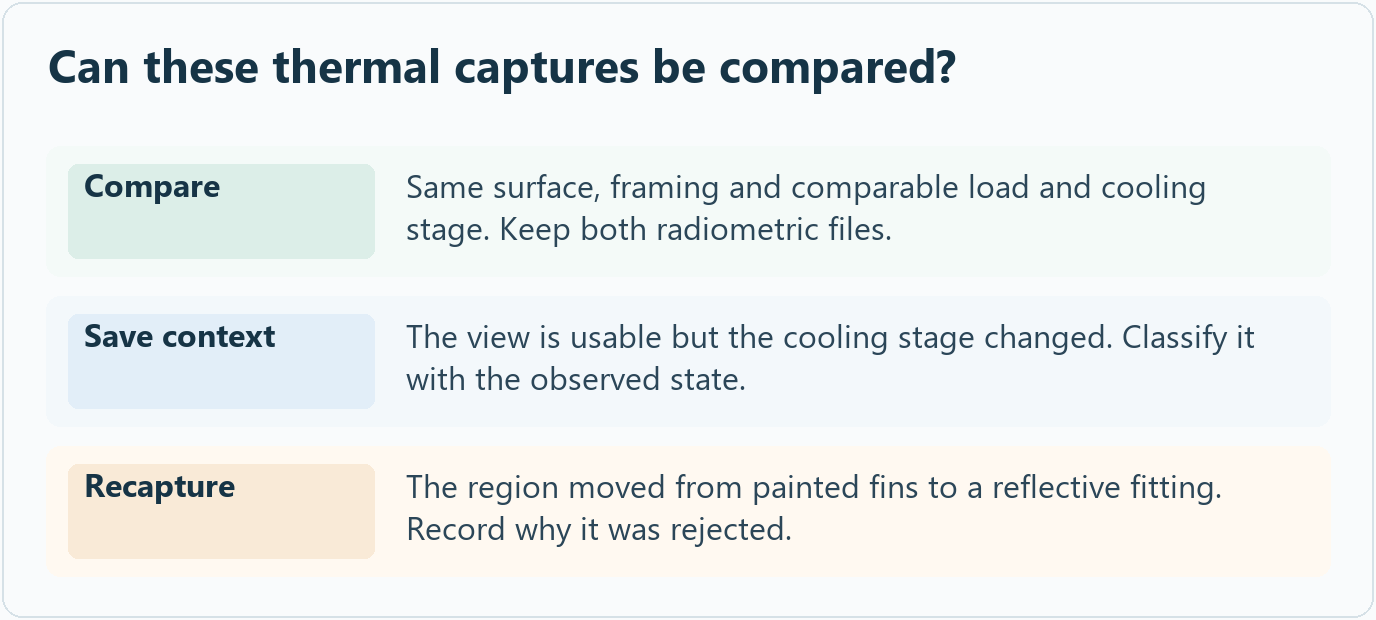
- Compare. The visible frame matches the approved stop and the saved region still covers the intended fins. The electrical team confirms the operating state is comparable. A persistent difference can be referred for engineering review with both images and the operating record.
- Keep for context. The view is good, but a different cooling stage is active. Save the capture with that state and build a separate baseline if the team has a recurring reason to compare that stage.
- Recapture. The gimbal framed a reflective fitting where the original region covered painted steel. Keep the rejected frame and reason, then repeat from an approved position when operations allows it.
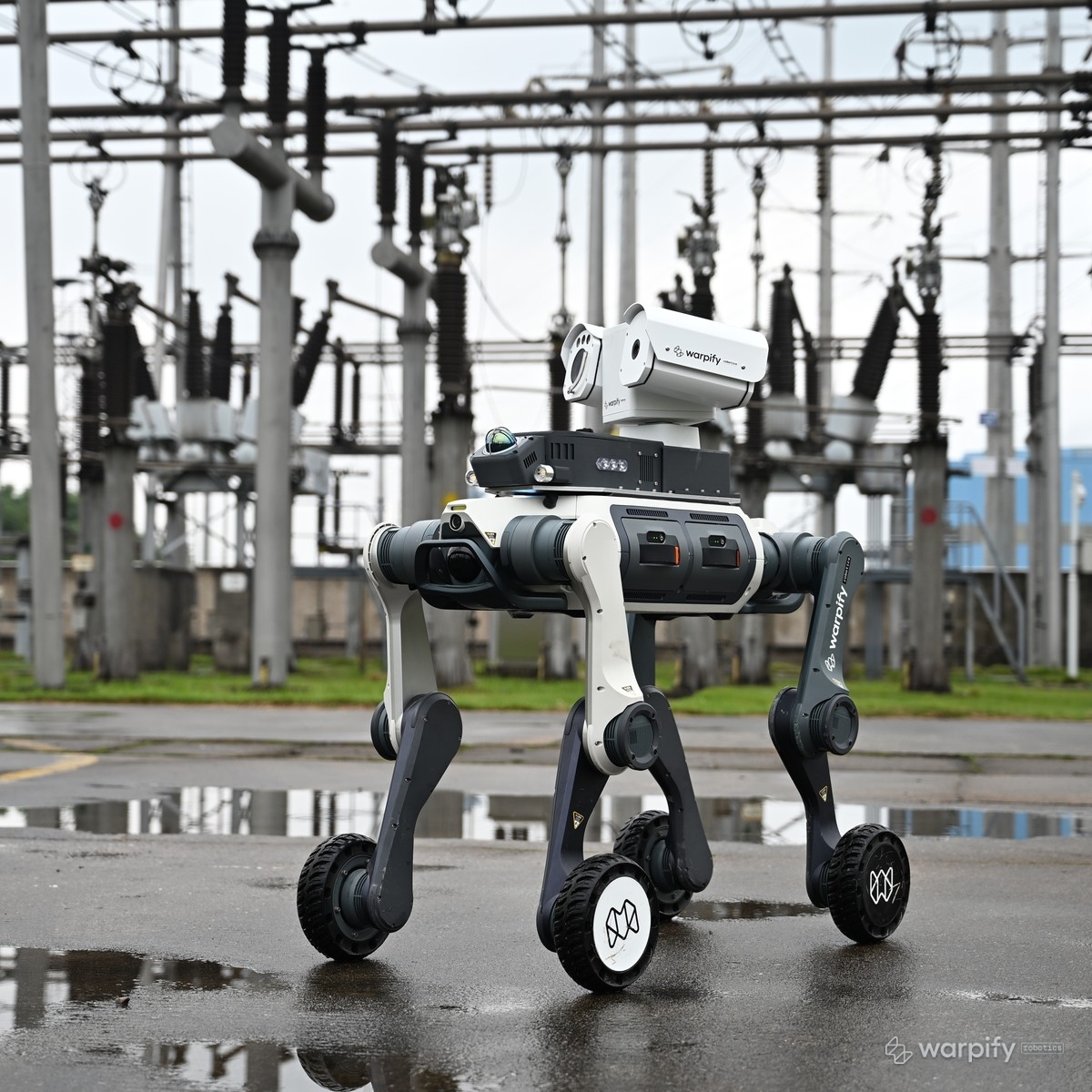
The 220 kV substation case study pairs a visible transformer-bay view with a thermal image. Its displayed 36.8 °C maximum applies to the selected image region. Use the pairing to see how a reviewer locates a capture in the scene. A trend decision would also need the capture-card information above.
Carry the accepted comparisons into your thermal inspection workflow. For the wider industrial inspection workflow, use this record to define what the robot needs to capture. To plan a facility inspection, bring a bank identifier, an approved observation position and one example of what your electrical team would consider comparable.

Iven Wang
Iven Wang is the Co-Founder of Warpify Robotics, specializing in the commercialization and deployment of robotic solutions. With a background in electrical engineering and product management, he works with manufacturers, integrators, and enterprise clients across industrial inspection, security, logistics, and Robotics-as-a-Service.
Subscribe to our newsletter today
Get practical robotics deployment insights, case studies, and planning guidance from Warpify Robotics.